


A breakpoint changes how your site looks. It doesn't change what your site is.
Chapter One: The Takeover Nobody Voted On
Mobile devices accounted for 52.27% of global website traffic in the first quarter of 2026, according to StatCounter. Over half the internet, arriving on a screen that fits in one hand.
The number isn't even stable. It cleared 62% the year before, then dropped back under 53% — proof that "mobile-first" was never a milestone you hit once and move on from. It's been a moving target sitting above 50% since 2016, and it isn't trending back down.
The global average also hides the real story. An ecommerce storefront can see 70-80% of its visits arrive on a phone. A B2B software company selling to enterprise buyers might see closer to half. (Translation: your mobile number isn't the industry's mobile number — check your own analytics before you believe a headline stat, including this one.)
Here's the part most teams skip past: more mobile traffic doesn't automatically mean more mobile revenue. Mobile brings the crowd through the door, but across ecommerce, it converts at roughly half the rate desktop does, and mobile cart abandonment runs close to 80% versus desktop's 66%. Phones fill the waiting room. Most sites still aren't built to actually seat them.
"Mobile devices now account for nearly two-thirds of all internet traffic worldwide." — industry-wide traffic tracking, 2026.
Chapter Two: Two Words, One Expensive Mix-Up
Somewhere in the last decade, "responsive" and "mobile-optimized" got used like synonyms. They're not even cousins.
Responsive design
Responsive design earned its reputation honestly. It killed off the separate "m.yoursite.com" era and let one codebase serve every screen. That was a real fix to a real problem — which is exactly why so many businesses declared victory the moment they had it and stopped asking harder questions.
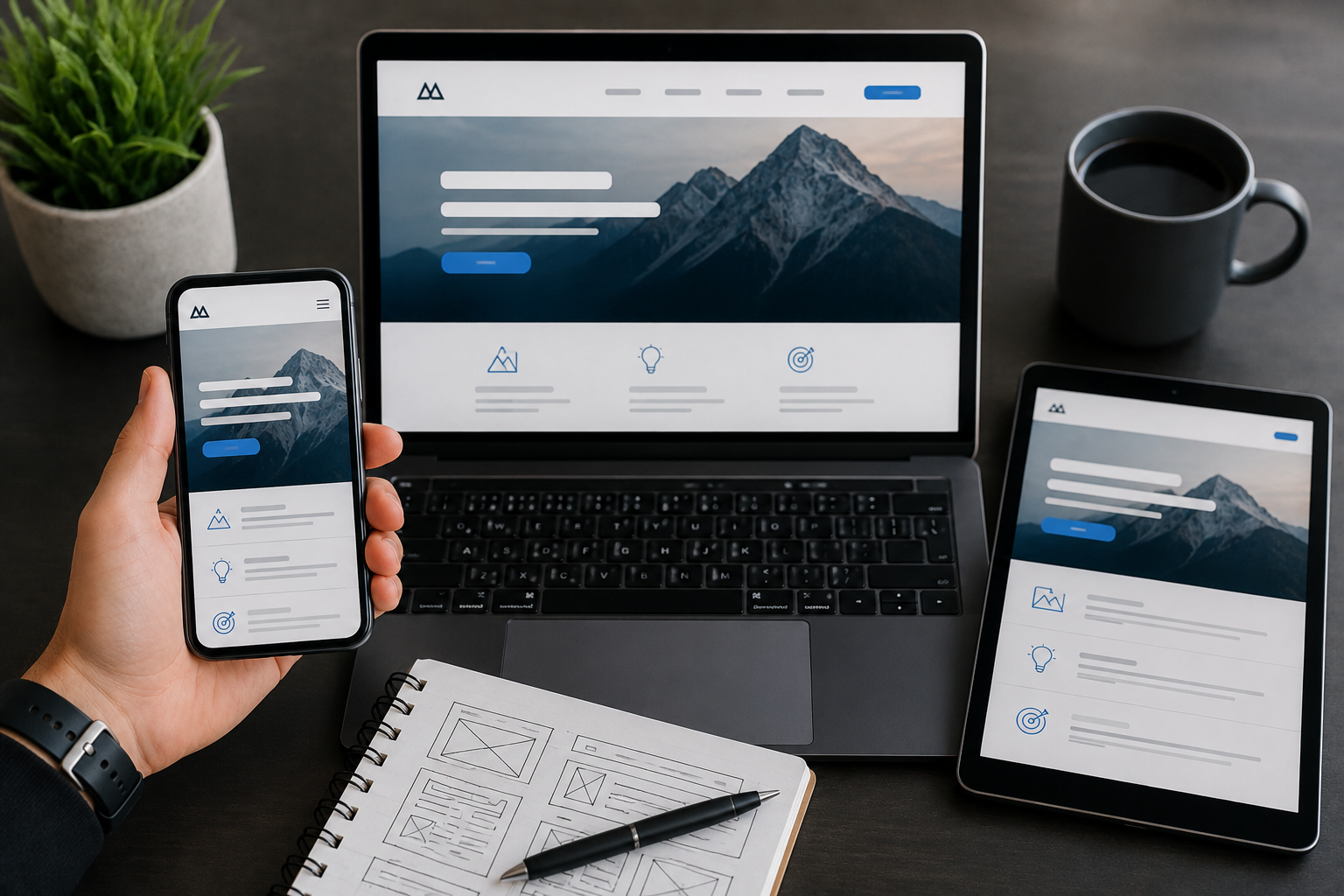
Because here's what responsive design actually does: it takes the desktop layout and reflows it. Same content, same hierarchy, same buttons — just rearranged to survive a narrower frame. CSS doing precisely what it's told: shrink, stack, hide the nav behind a hamburger icon. (Translation: same site, smaller window.)
Mobile-optimized Design
Mobile-optimized starts from the opposite direction entirely. The phone experience comes first — load speed, layout, and tap-target placement get decided for the thumb and the small screen before anything scales up toward desktop, not squeezed down into a phone as an afterthought.
A responsive site will always pass as mobile-friendly. A mobile-optimized one was never trying to pass. It was already there. — SageGridLab
That distinction sounds academic until you watch what it costs in practice.
Chapter Three: Where the Thumb Tells the Truth
Theory ends at the screen. This is where it gets measurable.
A tap target under 48 pixels wide, with less than 8 pixels of space around it, is the single most common reason someone hits the wrong button on a phone. Most resized templates ship well under that threshold, because nothing about a pure resize forces anyone to check. Nobody fails a test they never ran.
Then there's speed. More than half of mobile visitors abandon a page that takes longer than three seconds to load, and a single extra second of load time can cut mobile conversions by roughly 7%. Mobile bounce rates already run close to ten points hotter than desktop's — high-50s versus high-40s. Resized sites tend to drag desktop-weight images and desktop-depth code onto connections that were never built to carry either, then act surprised when the numbers come back ugly.
Google isn't grading on a curve, either. Mobile-first indexing means it's primarily evaluating your phone experience when it decides where you rank — regardless of how polished the desktop version looks in the boardroom.
We've watched a "mobile-friendly" redesign go live and mobile conversion drop the same quarter — because nobody actually tested thumb reach on the checkout button.
FAQs
What's the difference between a responsive website and a mobile-optimized one?
A responsive site reflows one desktop design to fit smaller screens using CSS, keeping the same content and structure. A mobile-optimized site is built starting from the phone experience, with layout, tap targets, and load speed designed for a thumb first, then scaled up toward desktop.
How can I tell if my site is just resized instead of actually mobile-optimized?
Check three things on a real phone, not a resized browser window: tap targets at least 48 pixels wide with breathing room around them, a page load under three seconds, and a layout that feels built for one-handed use rather than a shrunken desktop page.
Does this actually affect search rankings, or just user experience?
Both. Google uses mobile-first indexing, meaning it primarily evaluates the mobile version of a site to decide rankings, so a resized-only site can quietly cap its own visibility even when the desktop version looks sharp.
Why SageGridLab
A resized site is a design problem wearing an engineering costume — the layout looks different, but the substrate underneath never changed. At SageGridLab, mobile-first isn't a CSS afterthought bolted on at the end of a build. It's where the engineering substrate starts, before a single pixel of the design layer goes on top of it.
We build the thumb-first foundation before we ever touch the layout, because a beautiful design sitting on a resized substrate is still a resized site.
Talk to SageGridLab about auditing whether your site is actually mobile-optimized →
Closing Line: A breakpoint was always meant to be a beginning. Most sites just use it as an exit.